Best free PDF compressors in 2026: we tested 6
Short answer: Adobe made the smallest files but the softest scans. Smallpdf and iLovePDF balanced size and sharpness best among the sites that upload your file. For private documents, pick a tool that keeps the file on your device: in our test, only The Files Bay (ours) and 11zon did.
Full disclosure: we make The Files Bay, one of the six tools here. To keep this fair, every tool got the same files, each was left on its own default setting, and we show every number and close-up, including where others beat us.
The results at a glance
File sizes after compressing, with each tool on its default setting. Smaller is better, but check the quality close-ups below too. The scan is a phone-style scan, the report is typed with three photos, and the brochure is mostly photos.
| Tool (setting) | Scan 1.3 MB, 3 pages | Report 1.7 MB, 8 pages | Brochure 4.2 MB, 4 pages |
|---|---|---|---|
| Adobe (High) | 149 KB | 26 KB | 39 KB |
| Smallpdf (Basic) | 300 KB | 29 KB | 56 KB |
| iLovePDF (Recommended) | 317 KB | 33 KB | 63 KB |
| The Files Bay, ours (Balanced) | 351 KB | 40 KB | 90 KB |
| PDF24 (144 dpi) | 373 KB | 44 KB | 97 KB |
| 11zon (60%) | 144 KB | 280 KB | 53 KB |
Every tool made every file much smaller. The differences show up in quality, in whether your file is uploaded, and in ads and upsells.
| Tool | File uploaded? | Typed text kept sharp? | Ads or upsells we saw |
|---|---|---|---|
| The Files Bay | No, runs in your browser | Yes | None |
| 11zon | No, in our check | No, pages became pictures | Many ads, including a full-screen ad |
| iLovePDF | Yes (its page says files are deleted after 2 hours) | Yes | No ads on the tool page; paid plan offered |
| Smallpdf | Yes | Yes | Stronger levels are Pro only |
| Adobe Acrobat online | Yes (its page says files are deleted from its servers unless you sign in) | Yes | “Start free trial” button |
| PDF24 | Yes | Yes | Display ads on the page |
None of the six asked us to sign up or pay to compress these three files.
Close-up: a scanned document
A phone-style scan is the most common thing people compress for forms. Here is the same part of page 1 from each tool, zoomed in.
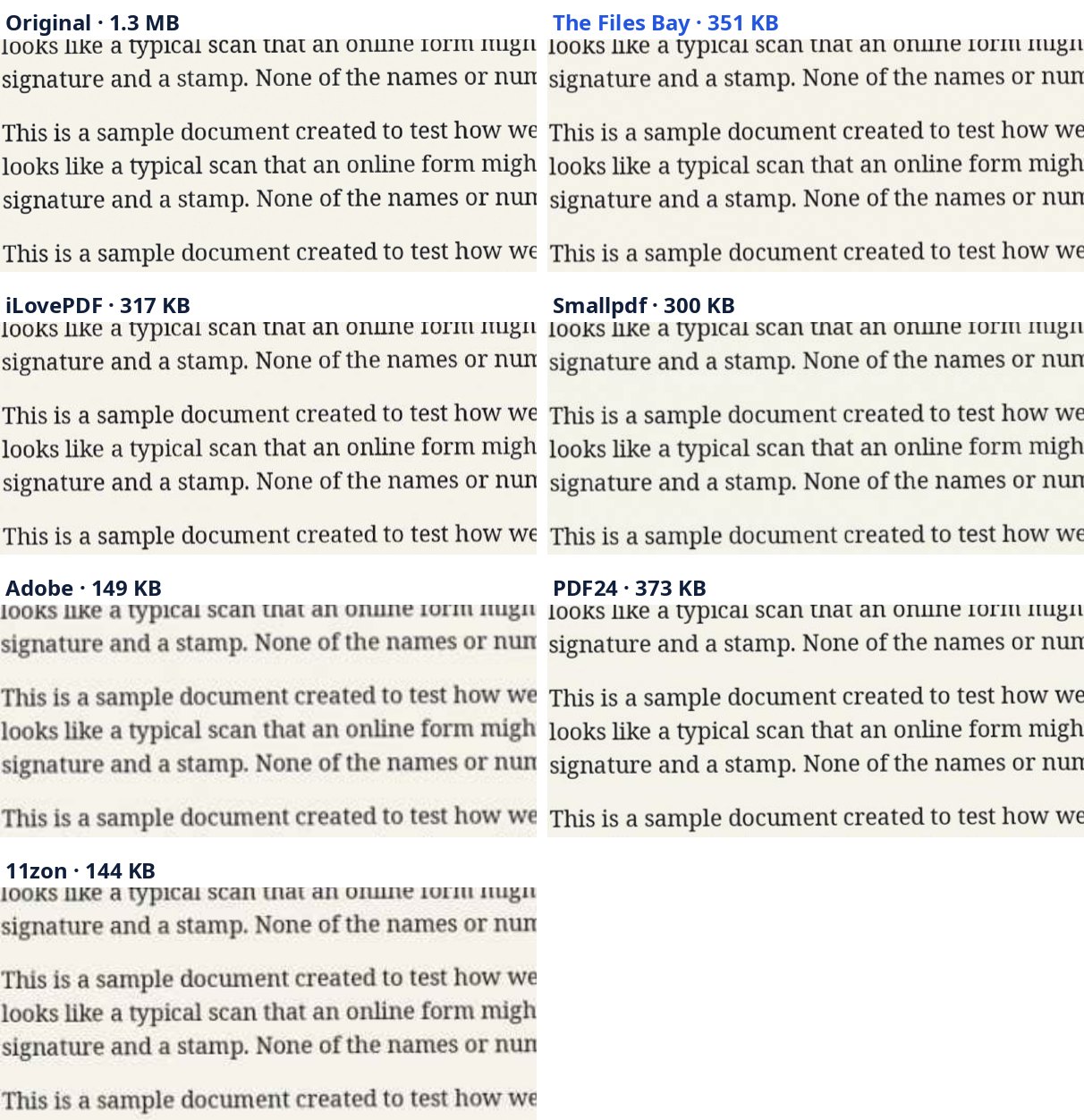
Verdict for scans: if you need the smallest possible file and can accept softer text, Adobe or 11zon. If the text must stay crisp, Smallpdf, iLovePDF, ours and PDF24 all did well, at 300–373 KB.
Close-up: a typed report with photos
This is a normal typed document with three photos, like a school project or an office report. A good compressor should shrink the photos and leave the text alone.
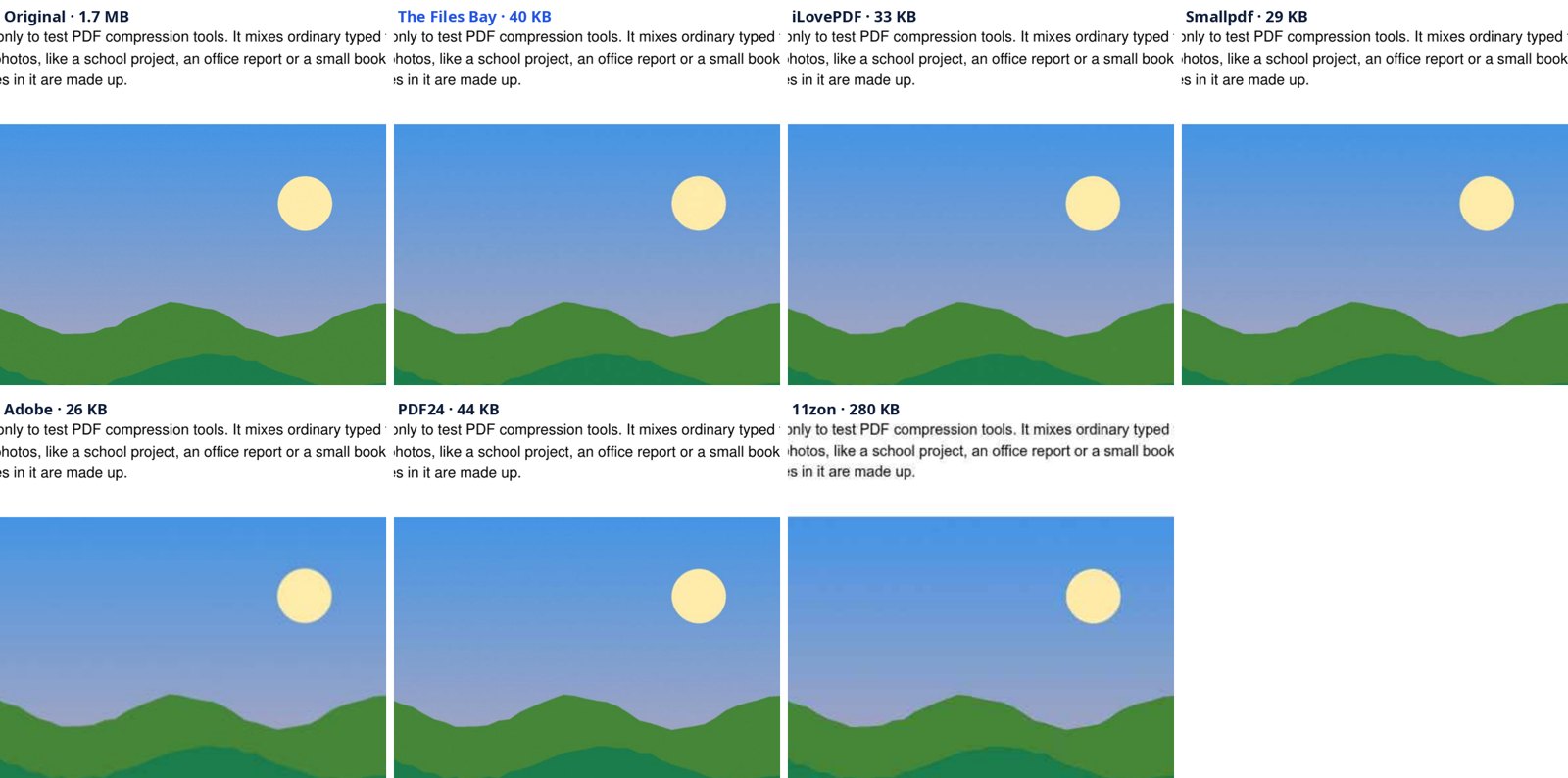
We also checked whether the text could still be selected and copied. It could in every tool except 11zon.
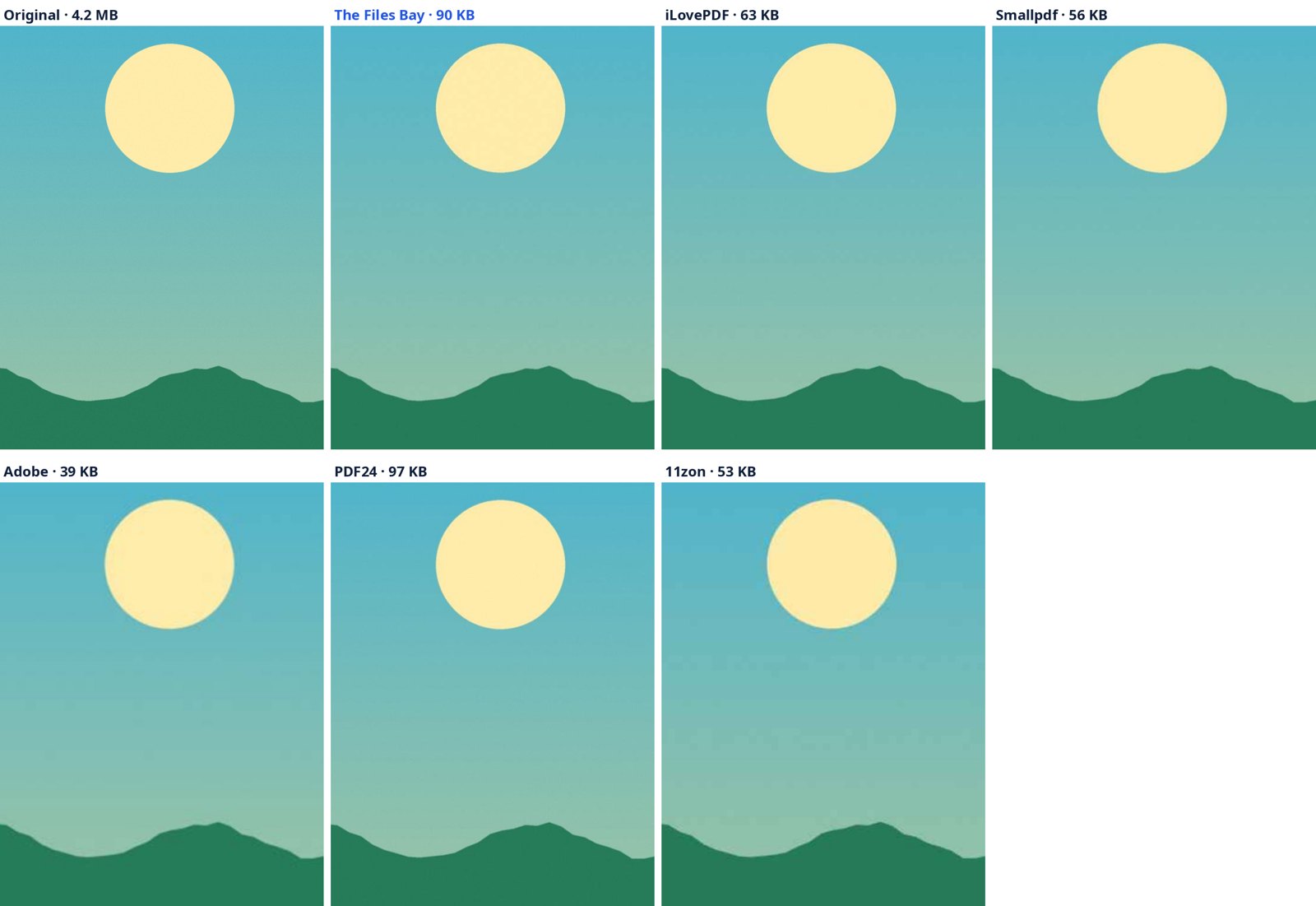
Close-up: photo-heavy pages
Which one should you use?
- For private documents (ID proofs, bank statements, mark sheets): use a tool that doesn't upload your file. In our test that was The Files Bay and 11zon. 11zon had heavy ads and blurred typed text.
- For the smallest file, when softer scans are fine: Adobe Acrobat online.
- For a good balance on a document that isn't private: Smallpdf (Basic) or iLovePDF (Recommended).
- To hit an exact limit, like 200 KB for a form: The Files Bay lets you type the size and aims just under it, keeping as much sharpness as fits. See how to compress a PDF to 200 KB.
Where others beat us
At default settings, Adobe, Smallpdf and iLovePDF made smaller files than ours on all three test files, by roughly 10–60%. Our default leans towards sharpness. If you need smaller, choose As small as possible or Get under a size in our tool.
One more honest note: these tests showed us a weakness. Our compressor used to turn every page into a picture, which made typed documents bigger and blurred their text, much like 11zon did here. We fixed it before publishing: it now shrinks only the pictures inside a PDF and leaves text alone. The numbers above are from the fixed version.
How we tested
- Date: 28 September 2026, in Chrome on a laptop.
- Files: three made-up PDFs, with no real personal data. A 3-page phone-style scan (1.3 MB), an 8-page typed report with three photos (1.7 MB) and a 4-page photo brochure (4.2 MB).
- Settings: each tool's default. That was High on Adobe, Basic on Smallpdf (the only free level), Recommended on iLovePDF, 144 dpi / 75% on PDF24, 60% on 11zon, and Balanced on ours.
- Quality: we viewed the same part of each page at 150 dpi, and checked whether the text could still be copied.
- Uploads: we added the scan to each site and measured how much data the page sent. iLovePDF, Smallpdf and PDF24 each sent the whole 1.4 MB file. 11zon sent only small ad and tracking requests. Our measurement didn't work on Adobe, so we rely on its own notice that files are deleted from its servers unless you sign in.
- Limits: these are what we saw with three files on one day. Free limits and ads change, so check each site yourself.
Questions
Which free PDF compressor makes the smallest files?
In our test, Adobe Acrobat online at its default setting made the smallest files, but scanned pages came out noticeably softer. Smallpdf was the next smallest and stayed sharp.
Which PDF compressors don't upload my file?
In our check, The Files Bay and 11zon compressed the file inside the browser. iLovePDF, Smallpdf and PDF24 sent the whole file to their servers, and Adobe's page says files are deleted from its servers unless you sign in.
Does compressing a PDF lower its quality?
It shrinks the pictures inside the PDF, so photos and scans get a little softer. Typed text should stay sharp. Most tools in our test kept it sharp; 11zon turned pages into pictures, which blurred typed text.
Is this comparison biased because you make one of the tools?
We make The Files Bay, so we've shown every number and close-up, used each tool's default setting, and pointed out where others beat us. You can check the test files and results yourself.